
- 1
Place your order
Complete checkout and you'll get your login details by email.
Apollo AI - 2
Sign in from any browser
Phone, tablet or computer. There's nothing to install.
Apollo AI - 3
Set your game
Pick your game, your location and how many numbers it uses.
Apollo AI - 4
Let the data load
The Results Vault pulls in past draws and the Signal Sorter ranks them.
- 5
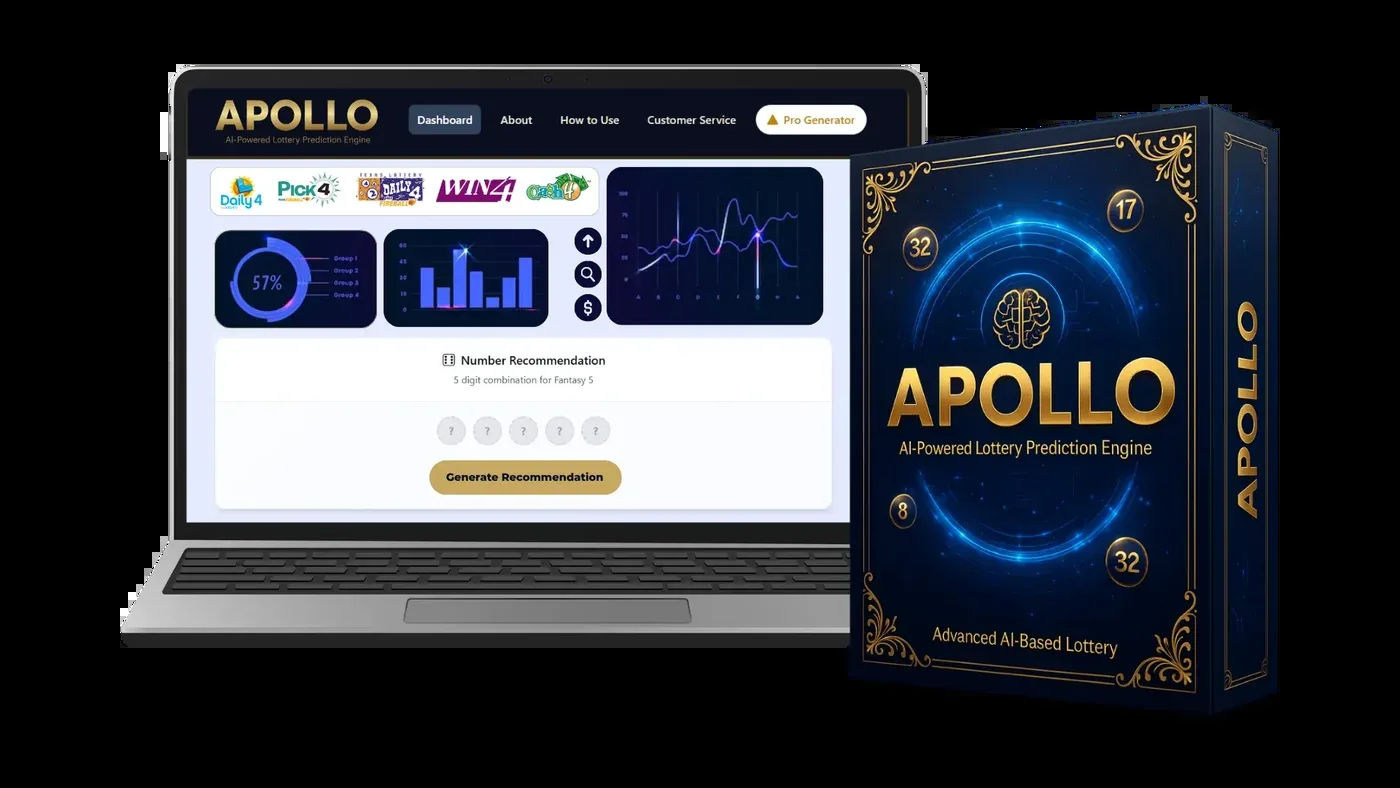
Read the board
Check the ring, bars and trend line. A minute is enough.
- 6
Tap for your set
The Set Builder hands you a full set. Play it within your limit.
Quick Questions
How long does a session take?
About five minutes: open your game, look at the board, tap for a set, note it down.
Is there a learning curve?
Very little. The main screen has a game menu, a few charts and one big button.
Can I make several sets?
Yes, tap again for another. Each set still has the same chance as any other in a fair draw.
Lifetime access · $147 once
Make Your Next Draw Night an Apollo AI Night
Get the complete dashboard for one payment of $147. Every future update is included, and you have 14 days to change your mind.
Get Apollo AI Today Secure checkout · no monthly fee